Connecteam Review (2026): Where It Fits — and Where to Compare
Connecteam covers a wider frontline-management footprint than a single scheduling or time-clock app. This review focuses on fit, trade-offs and the buying decision rather than repeating the vendor’s feature list.
Quick verdict
Connecteam is most compelling when a deskless or frontline team wants to combine several recurring management workflows—especially scheduling, time tracking, forms, communication and training—inside one mobile-first system. It is less obvious when the business needs a highly specialized point solution, deep field-service dispatch and invoicing, or a broad enterprise HRIS.
What Connecteam is
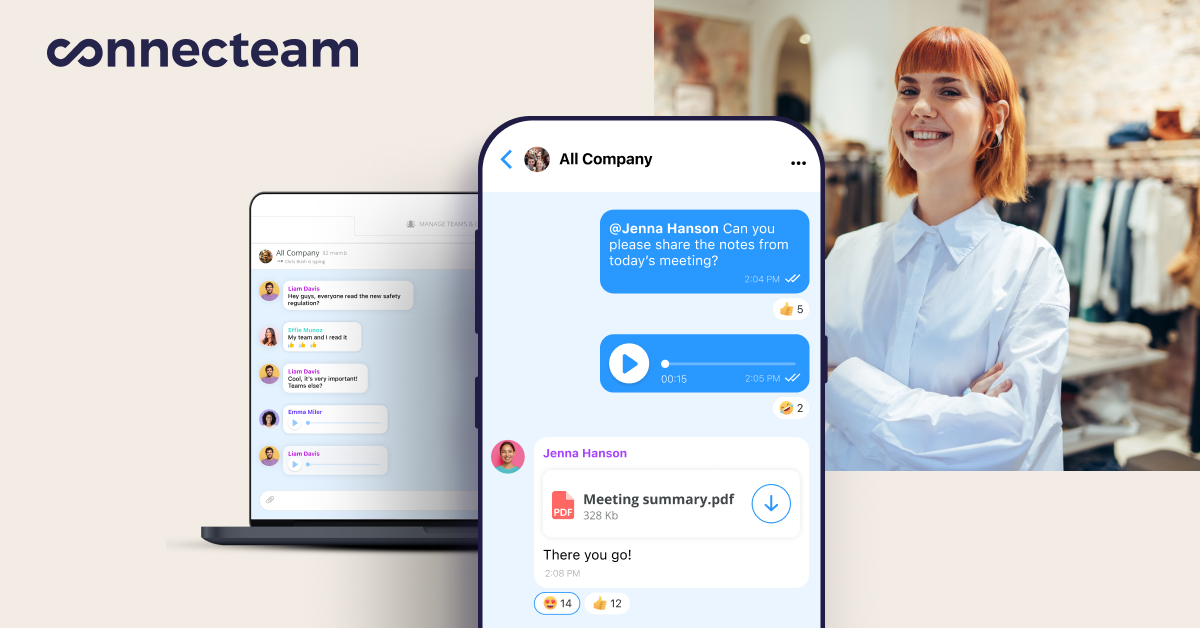
Connecteam describes its product as an employee-management app organized into three hubs. The current Operations Hub includes time clock, job scheduling, forms and quick tasks. The Communications Hub includes chat, updates, directory, surveys, events, knowledge base and help-desk capabilities. The HR & Skills area includes features such as time off, courses, quizzes, documents, recognition and onboarding-related tools.
That breadth explains why Connecteam can appear in several distinct search categories. It is not just a scheduler and not just a time clock.
Where the product fits best
- Businesses with hourly, mobile, field or otherwise deskless employees.
- Teams moving away from paper forms, spreadsheets, group texts or disconnected apps.
- Managers who want scheduling and time capture to connect with daily operations.
- Small businesses that want to test the current free small-business option before buying paid hubs.
Where to compare carefully
If your priority is sophisticated demand-based scheduling, detailed labor optimization, built-in payroll, customer dispatch/invoicing, or enterprise HRIS depth, compare specialized alternatives rather than assuming an all-in-one employee app will be the best fit.
Pricing model in plain English
Connecteam sells multiple feature hubs, each with its own plan level. As of October 2026, the public pricing page shows Basic, Advanced and Expert paid tiers with annual-equivalent prices of $29, $49 and $99 per month for the first 30 users in a hub, with higher monthly-billing prices and per-user charges above 30. Connecteam also advertises a free Small Business Plan for teams of up to 10 users. Because plan limits and features differ by hub, use the pricing page rather than multiplying one headline price across the whole platform.
Read our Connecteam pricing guide →
Connecteam vs. specialist competitors
The main comparison set depends on the job. Deputy, Homebase and When I Work overlap heavily on scheduling and time tracking. Other products become relevant if you need payroll, field-service management, intranet/employee communications, or enterprise workforce optimization.
See the Connecteam alternatives guide →
Bottom line
Connecteam’s strongest argument is consolidation: a single employee app can cover multiple frontline workflows that small and midsize businesses often manage in separate tools. The trade-off is that buyers must understand the hub structure and compare specialist depth where a single workflow is mission-critical.
Want to inspect Connecteam directly?
Use the official product site to check the current feature set and trial options.
Primary sources: Connecteam homepage, current pricing page, Operations Hub Help Center, Communications Hub and HR & Skills documentation. Competitor context cross-checked against current G2/Capterra category pages.