Digital Forms & Checklists for Frontline Teams
Replacing paper with an app is only useful if the form improves follow-through. Evaluate the full path from submission to manager action and recordkeeping.
Why forms are an operations system, not just paperwork
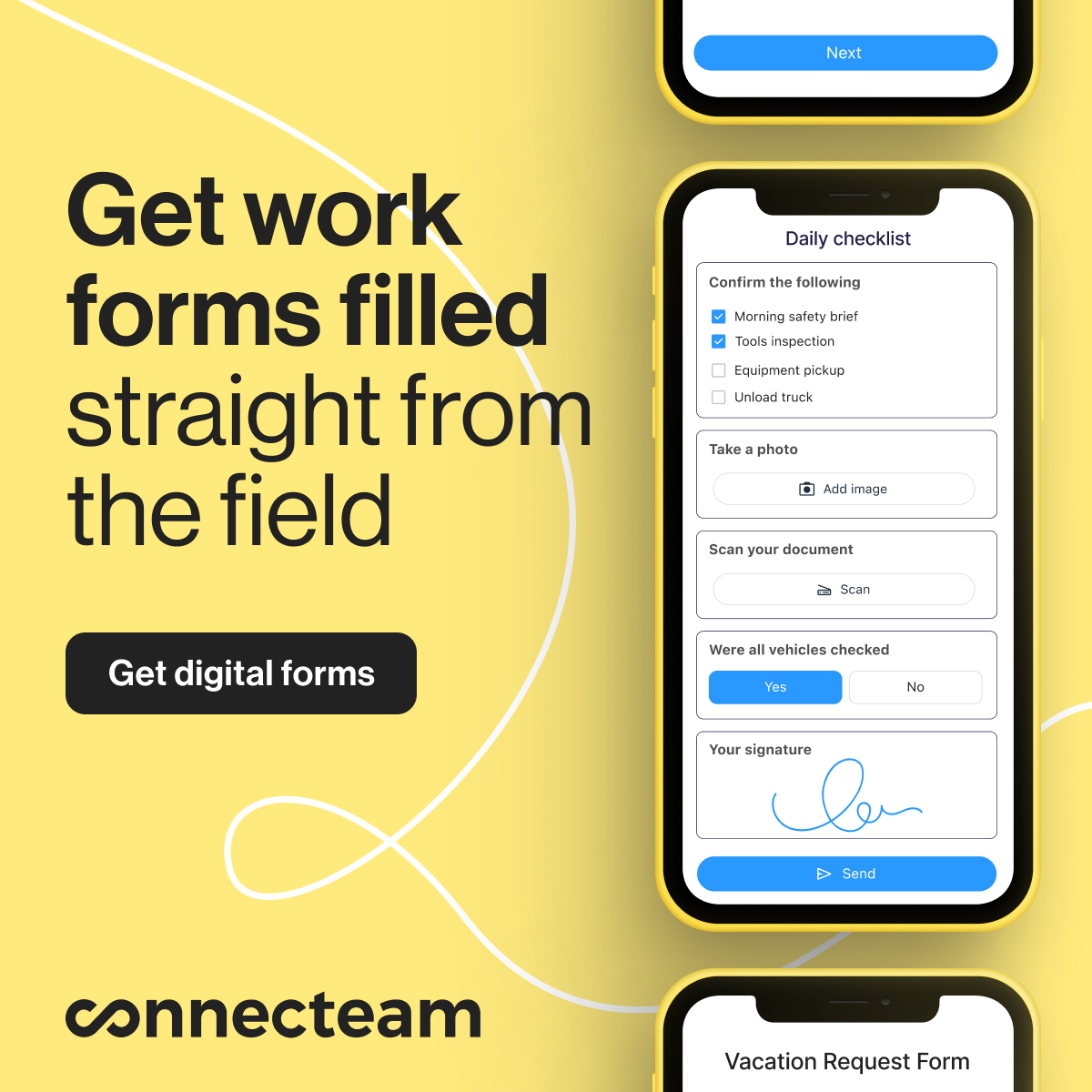
Field forms and checklists become useful when they standardize a recurring process, capture proof or context, and route information to the manager who can act on it.
Official Connecteam affiliate creatives
Official Connecteam affiliate-program materials shown unchanged.

Core capabilities to evaluate
- Mobile form completion
- Required fields and conditional questions
- Photos, signatures or location stamps where justified
- Automated reminders and submission notifications
- Searchable records and exports
- Links from shifts, tasks or other operational context
Connecteam Forms
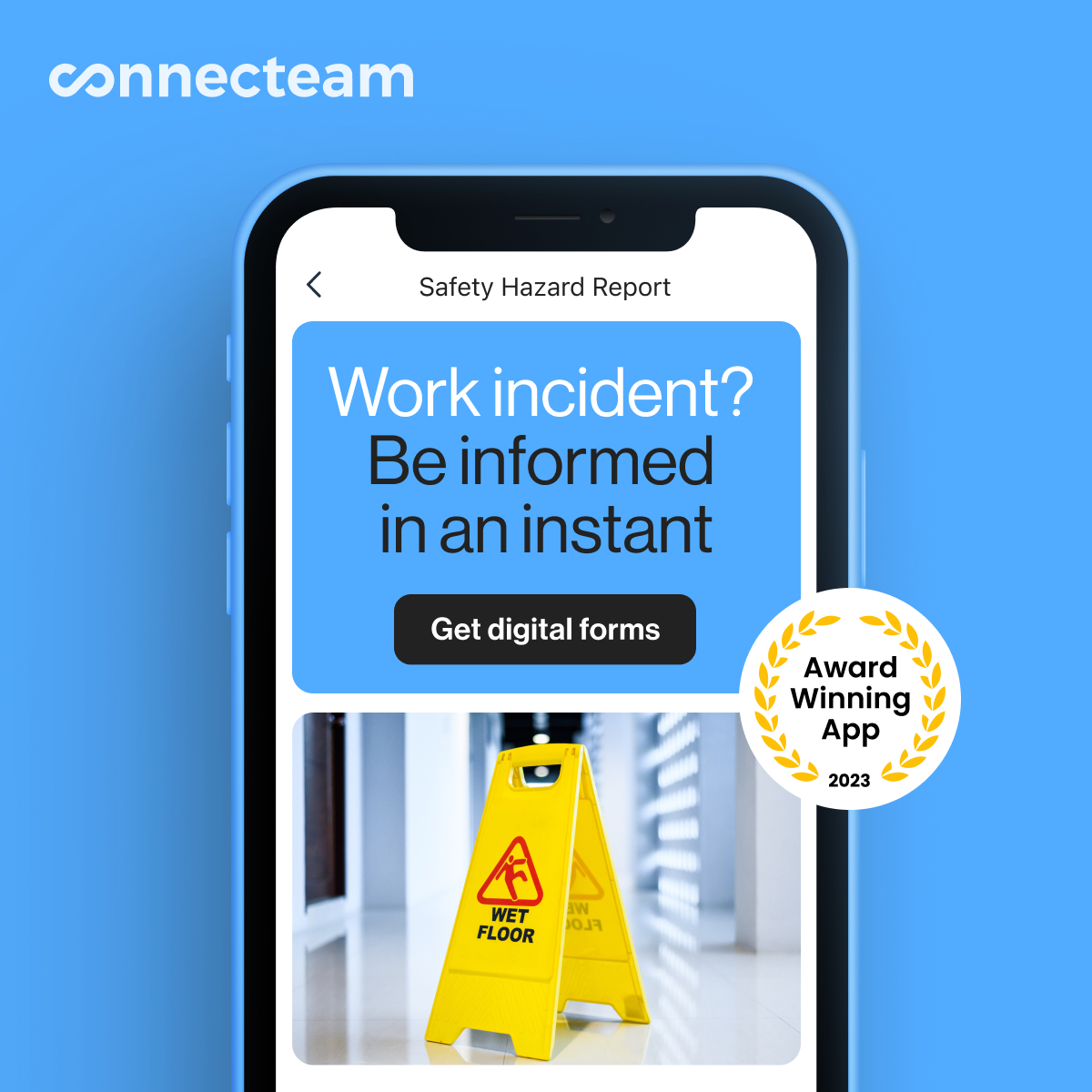
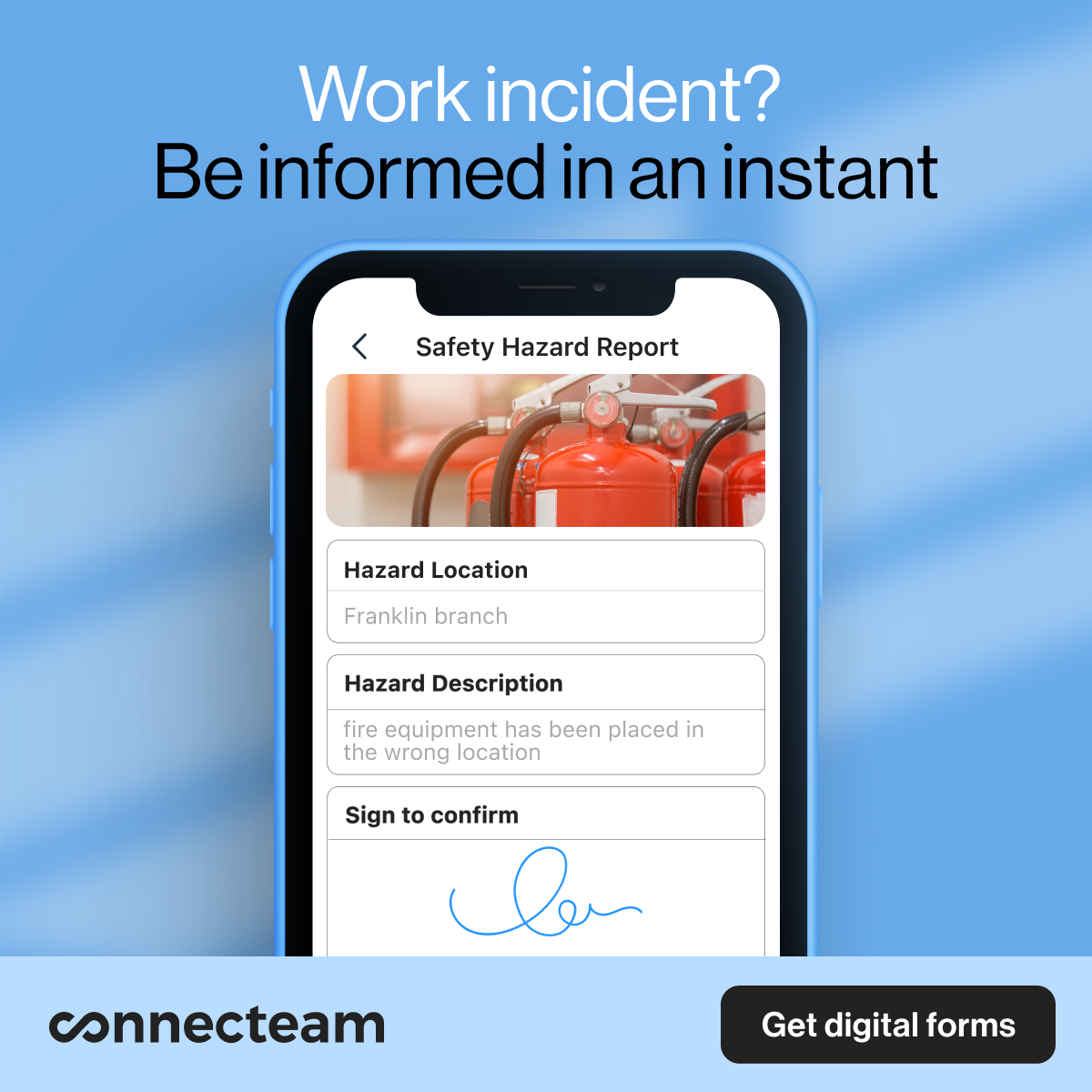
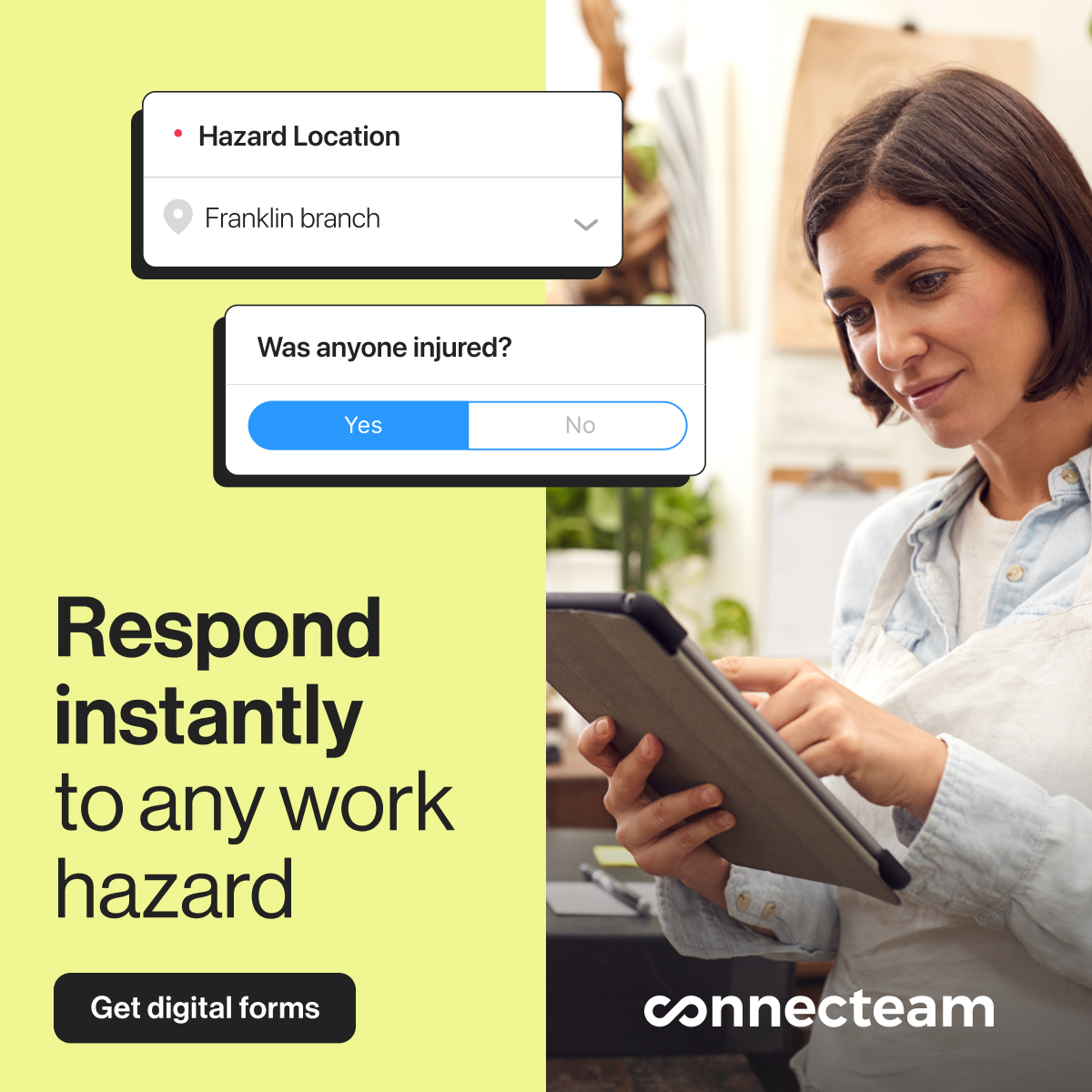
Connecteam’s current Forms documentation describes mobile reports, forms, checklists and requests, with manager access to entries and support for linking checklists to other product features such as schedules or tasks. That cross-linking is the main reason to compare an integrated forms tool with a standalone form builder.
Do not digitize a broken process unchanged
Before rebuilding a paper form, remove fields nobody uses, decide who owns follow-up, and define how long records need to be retained. Software makes a workflow faster; it does not automatically make the workflow better.
See Connecteam Forms in context
Explore how forms sit alongside scheduling, time and tasks in the Operations Hub.
Feature references checked against Connecteam’s August 2026 Forms starting guide and official Vimeo Forms tutorials.