Employee Time Clock Apps: A Practical Guide to GPS, Jobs & Payroll
Mobile time clocks are most useful when they connect hours to the right job, site and payroll workflow—not when they simply replace a paper punch card.
Start with accuracy, not surveillance
A useful mobile time clock answers a simple question: can the business collect reliable work-time records with enough context for payroll and operations without creating unnecessary employee friction? GPS or geofencing should serve a clear job-site need and be configured transparently.
Official Connecteam affiliate creatives
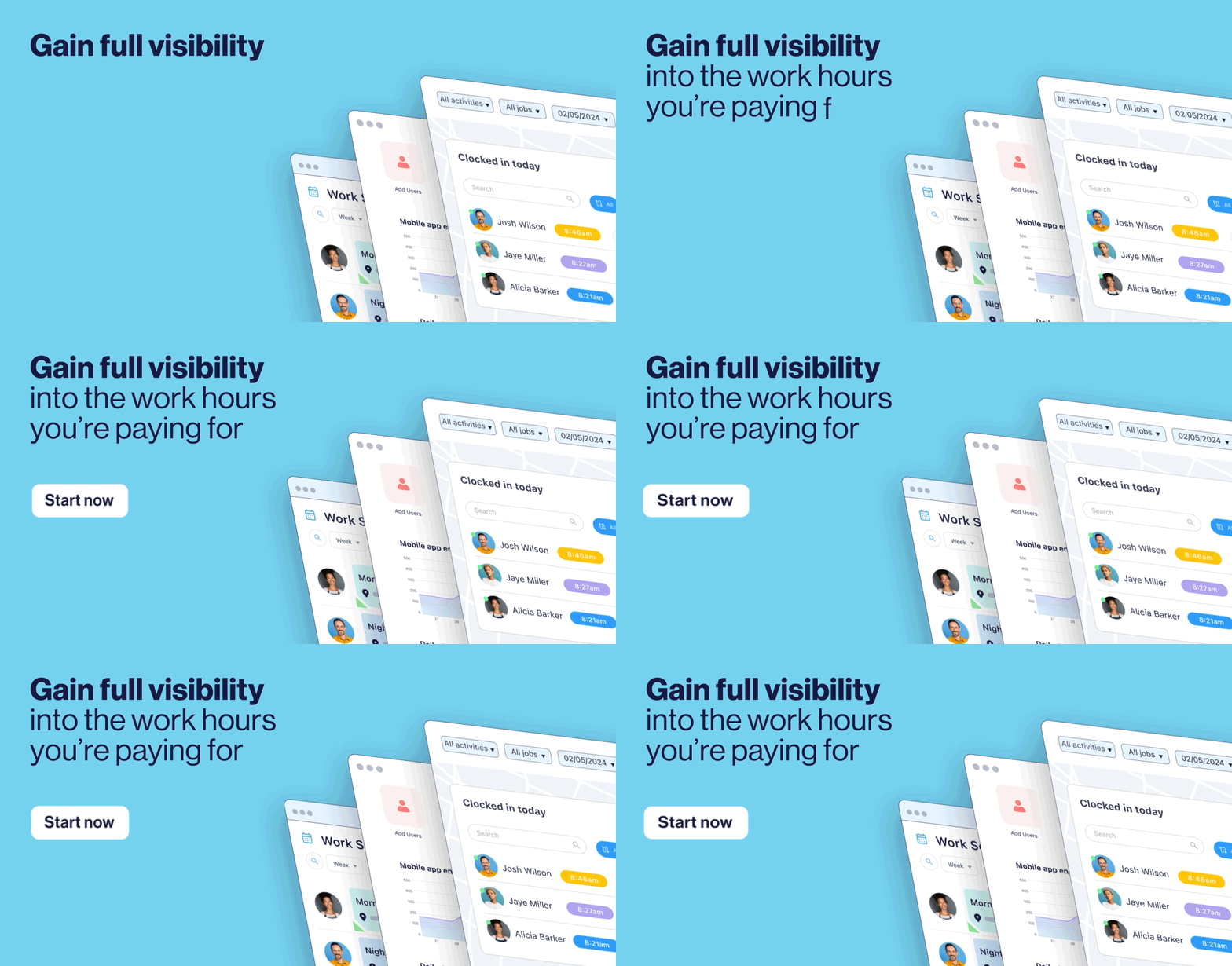
Official Connecteam affiliate-program materials shown unchanged.


Time-clock capabilities worth checking
- Mobile and/or kiosk clock-in options
- Job, project or site association
- GPS stamp or geofence controls where appropriate
- Break, overtime and time-off handling
- Manager alerts and edit/approval workflow
- Payroll exports or integrations
- Clear policies for when location is captured
Connecteam’s approach
Connecteam’s Time Clock is part of the Operations Hub. Current Help Center materials cover jobs, geolocation, payroll periods, overtime, breaks and employee timesheets. The product is particularly relevant when the same jobs/sites also drive scheduling and task/form workflows.
GPS and geofencing: what to ask before buying
Confirm whether location is captured continuously or only around clock events, how job sites are defined, what employees see, and how managers handle legitimate exceptions. The software configuration does not replace a clear workplace policy or applicable labor/privacy obligations.
Read the GPS time-clock implementation guide →
See Connecteam’s current time-clock setup
Review the product directly before deciding whether its location and payroll workflow fits your team.
Feature references checked against Connecteam’s July 2026 Time Clock starting guide and official Vimeo tutorials.